Configure annual, casual and medical leave with sensible balances and a clean approval chain — so requests stop piling up in someone's inbox.
Leave management goes wrong in two ways: balances nobody trusts, and approvals that vanish into an inbox. TeamCey fixes both by giving every leave type a clear balance and every request a clear owner. Here is how to set it up well.
Start with the right leave types
Most Sri Lankan employers run three core leave types. Set these up first, then add anything specific to your company:
- Annual leave — the main paid entitlement employees plan holidays around
- Casual leave — short-notice personal time
- Medical leave — sick days, often with a certificate above a threshold
Set balances and accrual
- 1
Define each leave type
Give it a clear name and decide whether it is paid and whether it counts against a balance.
- 2
Set the annual entitlement
Enter how many days each type grants per year.
- 3
Choose how it accrues
Decide whether the full balance is granted up front or builds up through the year.
- 4
Set carry-forward rules
Decide whether unused days roll into the next year and any cap on that.
Design the approval flow
- 1
Choose single or multi-stage approval
A small team may only need a manager. Larger teams might route through a manager and then HR.
- 2
Assign approvers
Make sure every employee has someone responsible for their requests so nothing stalls.
- 3
Turn on notifications
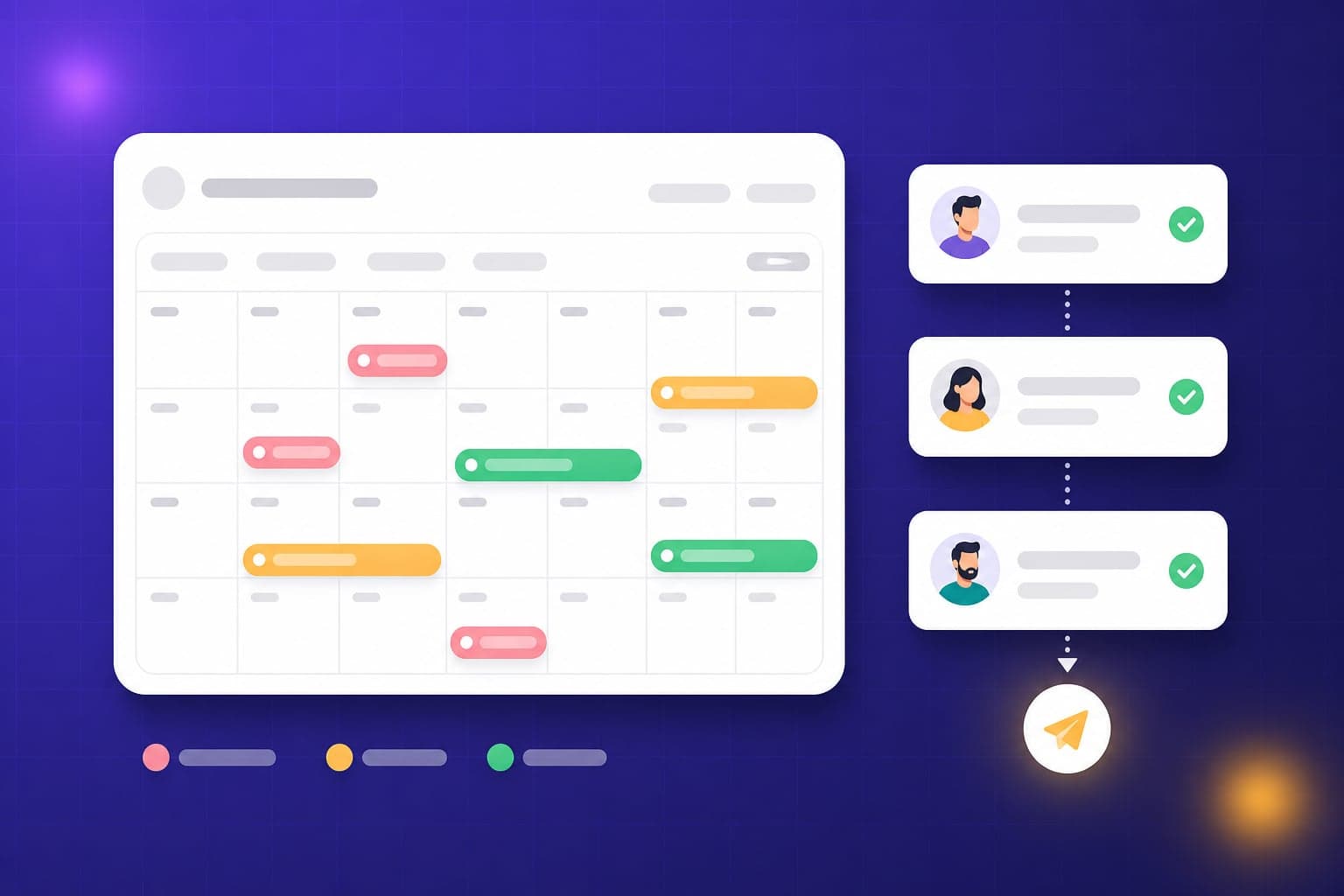
Approvers are alerted to new requests and employees are told the outcome — no chasing required.
Help employees self-serve
- Employees request leave from the portal in a few taps
- They can see their remaining balance before they apply
- They can track whether a request is pending, approved or rejected
Keep it running smoothly
- Review pending requests before each payroll so leave is reflected in pay
- Check balances at year-end and apply your carry-forward rules
- Revisit entitlements whenever your policy changes
Try it in your own workspace
The best way to learn TeamCey is to follow along. Start a free workspace and put this guide into practice.
Get started free