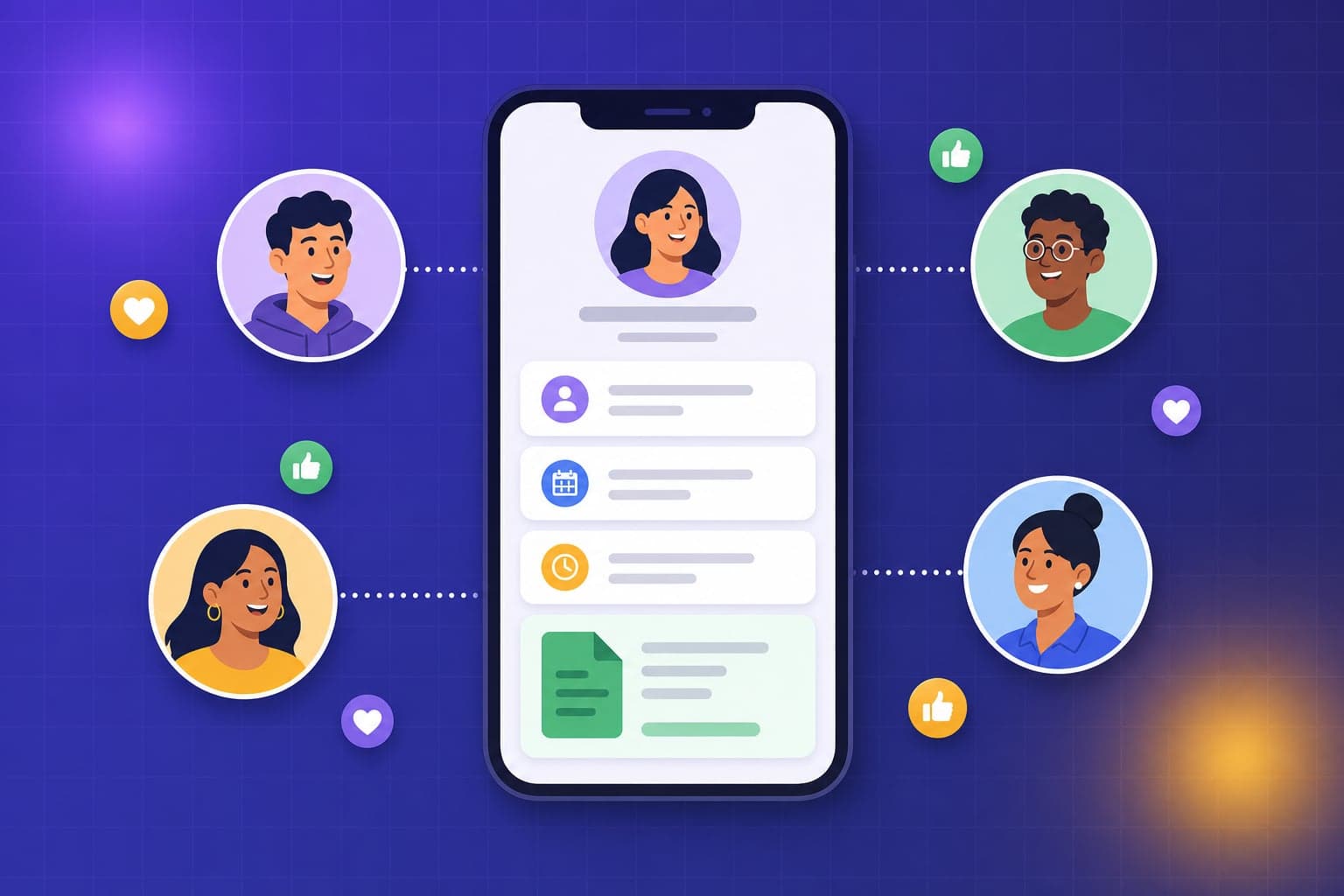
The portal only saves you time if people actually use it. Here's how to roll out the TeamCey employee portal and drive real adoption.
Every payslip an employee downloads themselves is one you did not have to email. The TeamCey employee portal moves routine requests off your desk — but only if your team adopts it. A little rollout effort goes a long way.
What employees can do in the portal
- Download payslips as PDFs whenever they need them
- Request leave and see their remaining balance
- Check their own attendance and shift
- Keep personal details up to date
- Read company policies and documents
Roll it out in three waves
- 1
Invite and test
Send invites and log in as a test employee yourself so you can answer questions with confidence.
- 2
Pilot with one team
Start with a single department. Gather their questions and smooth out anything confusing before going wider.
- 3
Launch company-wide
Roll out to everyone with a short message explaining what they can now do for themselves.
Install it like an app
The portal is a Progressive Web App, so employees can add it to their home screen and open it like any native app — no app store needed.
- 1
On Android
Open the portal in Chrome, tap the menu, and choose Add to Home screen.
- 2
On iPhone
Open the portal in Safari, tap Share, then Add to Home Screen.
- 3
Works offline
Once installed, employees can still open the app and view recently loaded payslips even with a weak connection.
Drive real adoption
- Make the portal the only place to download payslips
- Ask managers to direct leave requests through the portal, not chat
- Send a gentle reminder the first month until it becomes habit
Try it in your own workspace
The best way to learn TeamCey is to follow along. Start a free workspace and put this guide into practice.
Get started free